electron-bugfix
- ✅ when mock/test, 'Electron failed to install correctly, please delete node_modules/electron and try installing again'
- electron-rebuild error
- ✅ can't resolve
rebuildinpostinstall - ✅ webpack dev server
- ✅ registry diff caused build error
- ✅ native module
- ✅ windows cannot select file
- ✅ Can't use
ContextBridgewhichContextIsolation is true
✅ when mock/test, 'Electron failed to install correctly, please delete node_modules/electron and try installing again'
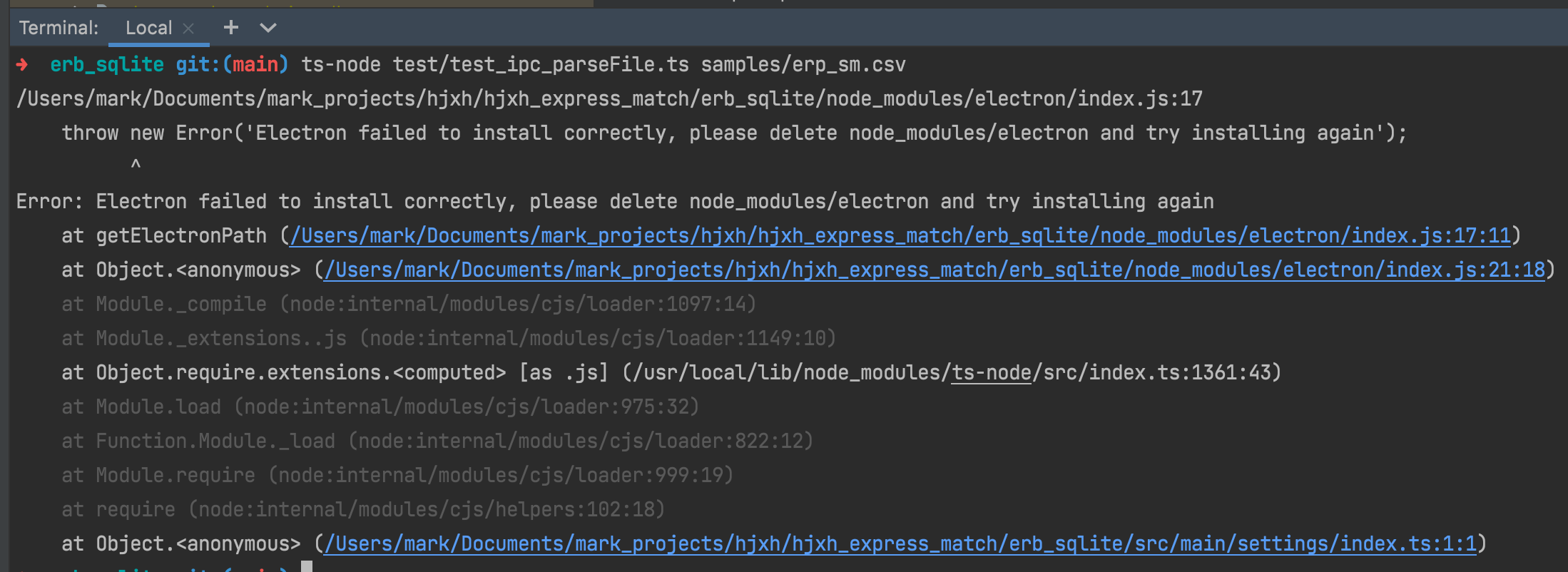
I didn't find any path.txt for electron, even for any package. 
However, if I explore global electron, then it has (ref: Browse an installed package):
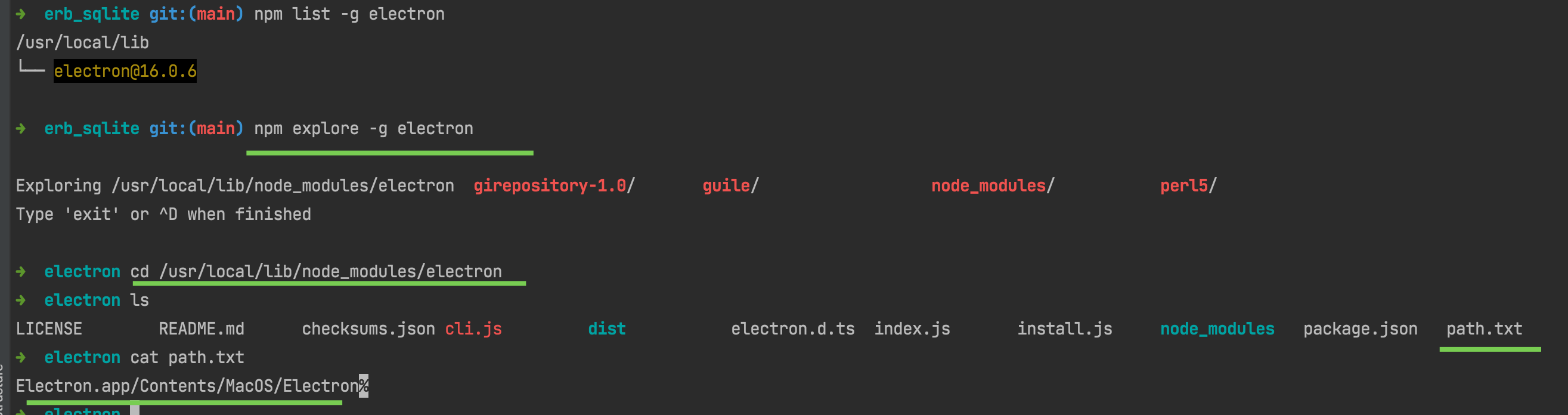
As a contrast:

What's interested, if I use node install.js as suggested by node.js - Electron and Webpack ENOENT: no such file or directory, open '/path.txt' - Stack Overflow:

Then things are all ok! 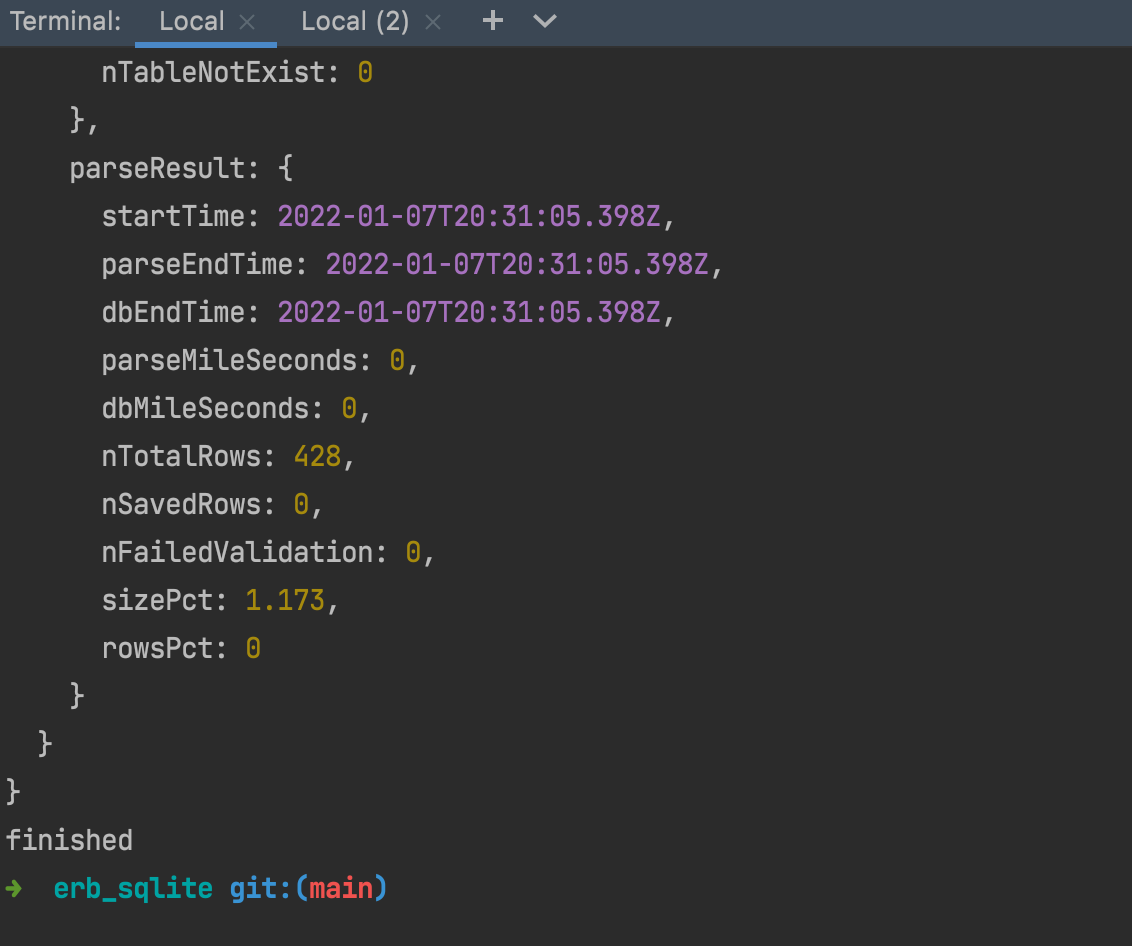
conclusion
If we want to use electron for project mock, we may activate it using:
cd node_modules/electron
node install.js
Or, according to the source code, we can provide an environment variable:
ELECTRON_OVERRIDE_DIST_PATH=XXXX
electron-rebuild error
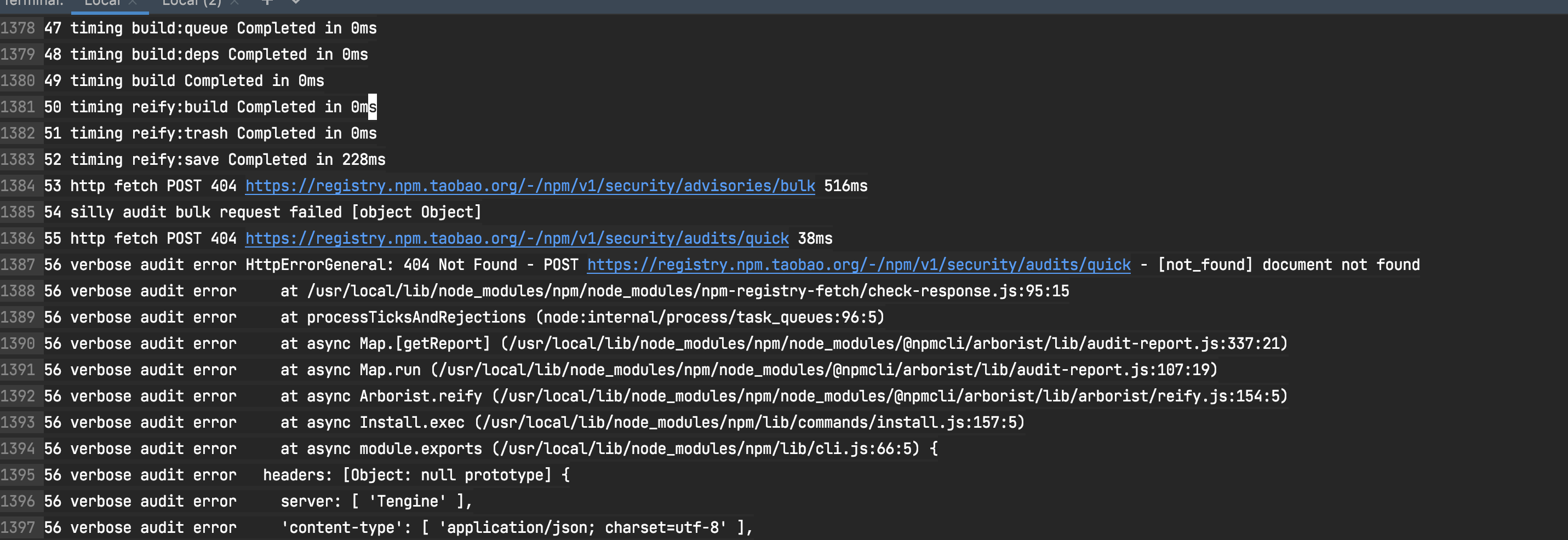
one possible problem is about registry.

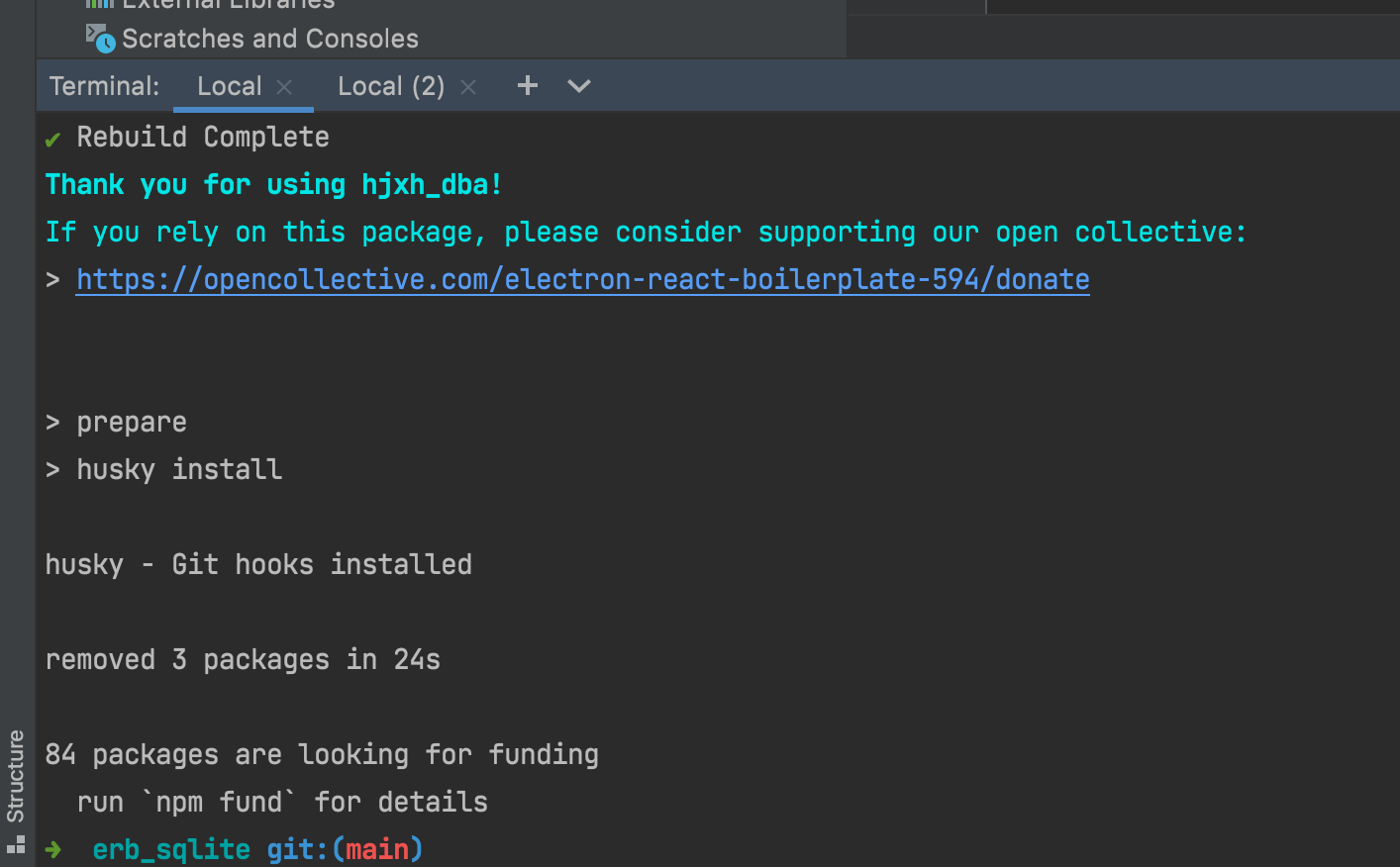
✅ can't resolve rebuild in postinstall

In this article ERROR in dll renderer Module not found: Error: Can't resolve 'undefined' · Issue #43 · rvpanoz/luna, which occurs the problem a bit like me, and its solution is to remove the cannot-resolve package of undefined.
So I learned it, and do find a package named as rebuild in my package.json file.
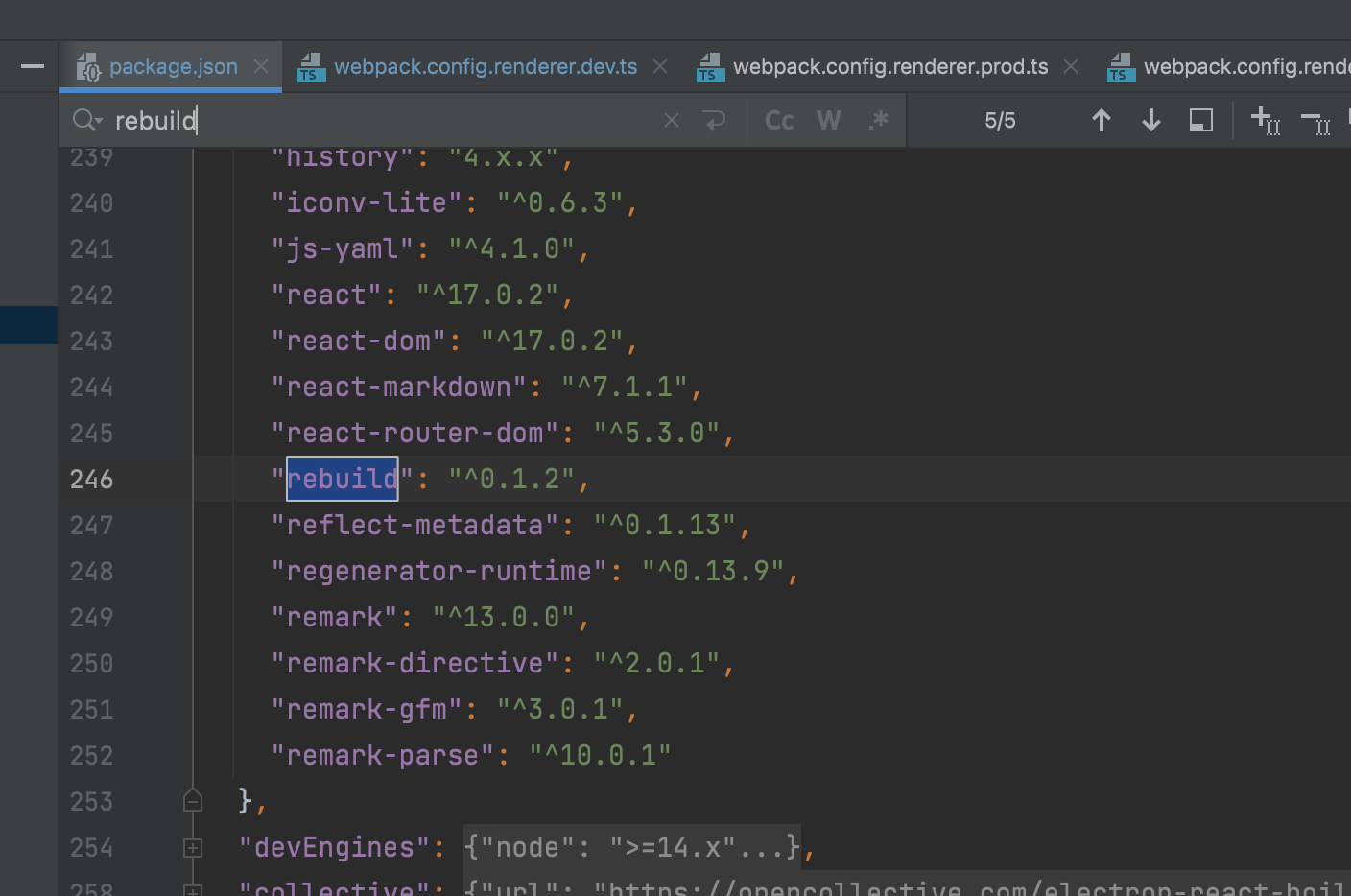
Then I removed it, and re npm run postinstall, and it succeeded!
✅ webpack dev server
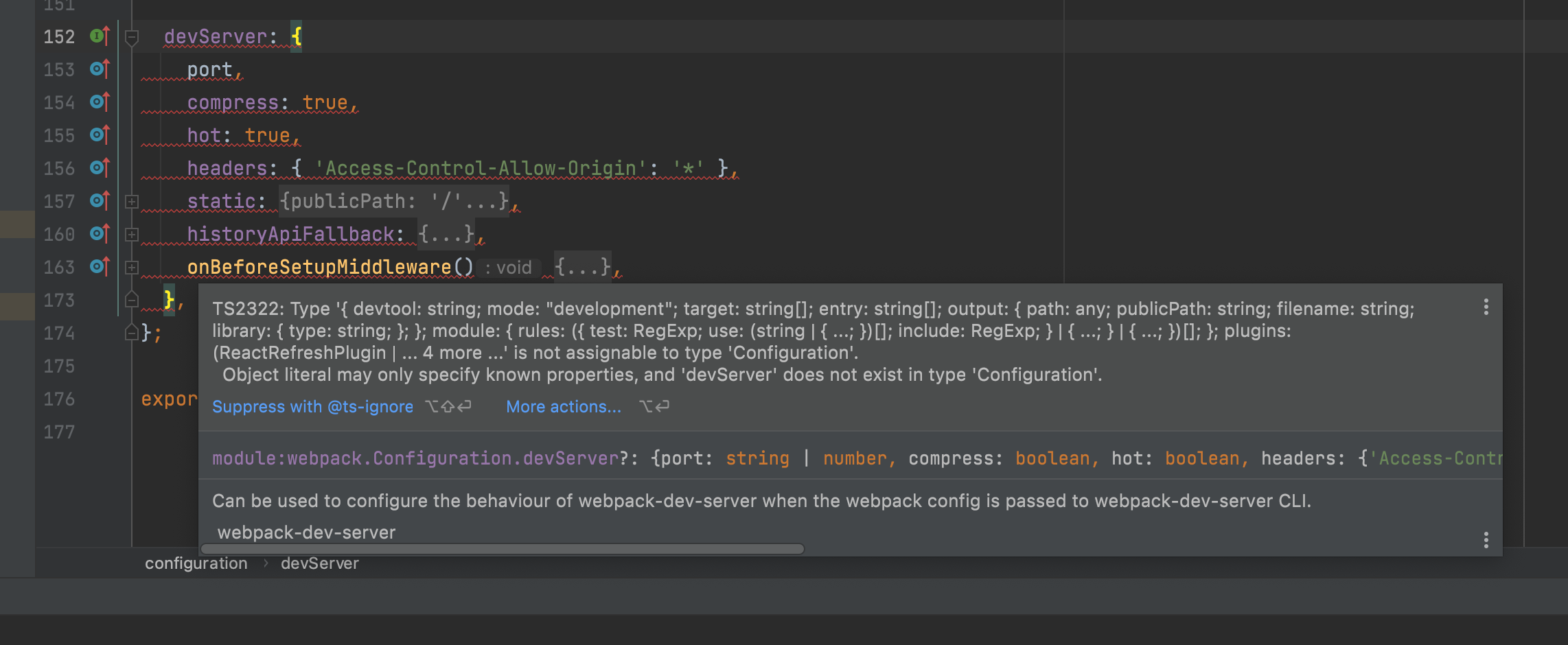
solution:
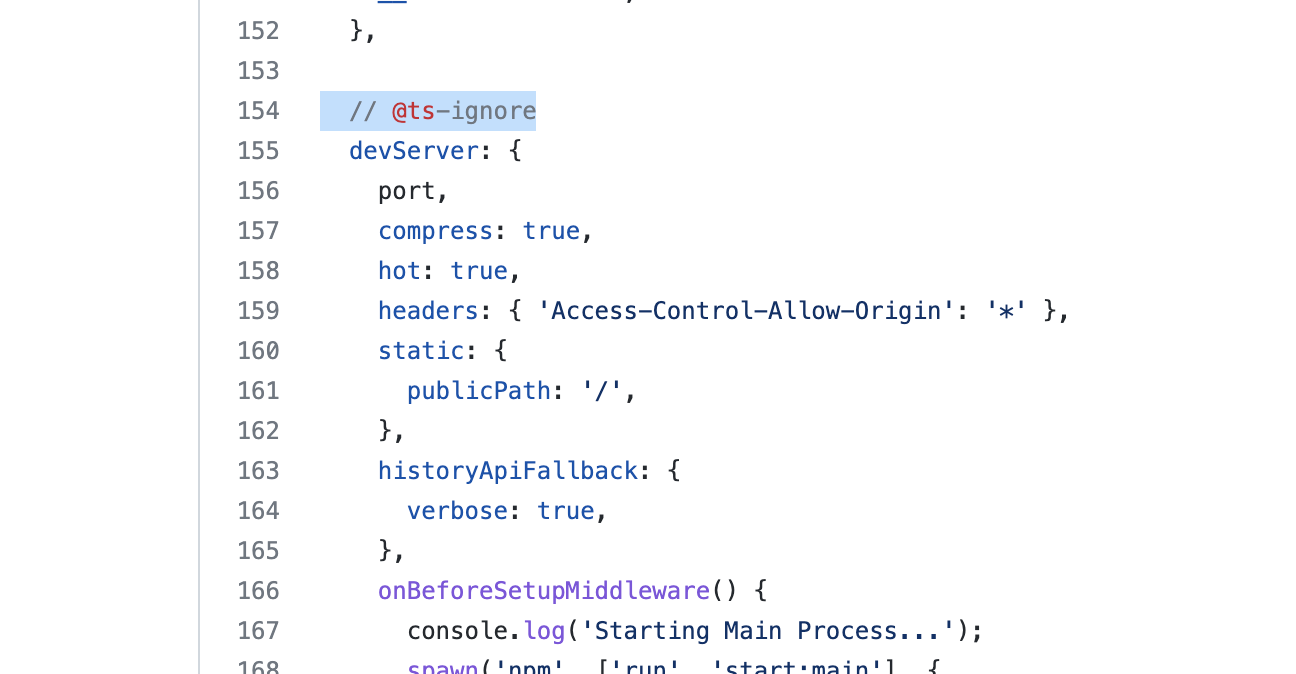
- add
// @ts-ignore, official way
- add an extended interface, at: https://github.com/DefinitelyTyped/DefinitelyTyped/issues/27570#issuecomment-474628163
ref:
✅ registry diff caused build error
✅ native module
The proper way to deal with native module is to:
- install it into devDependencies in the project root
- install it as a dependency in the release/app
ref:
electron build sqlite3
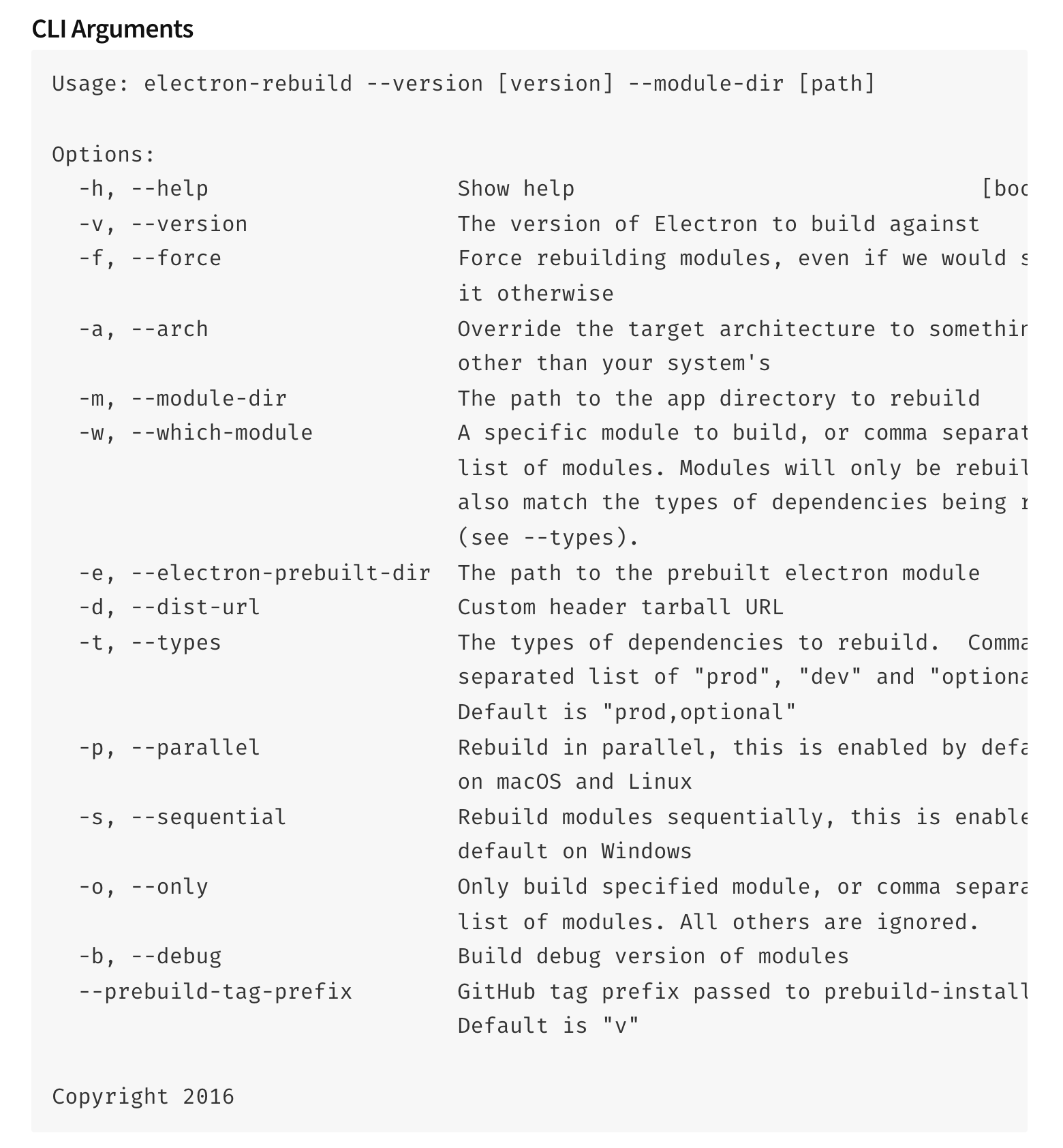
electron-rebuild -f -w sqlite3
'-f' means 'force' '-w' means 'module'
ref:
electon-rebuild fails for sqlite3 · Issue #322 · electron/electron-rebuild
Help me use Electron! · Issue #126 · JoshuaWise/better-sqlite3
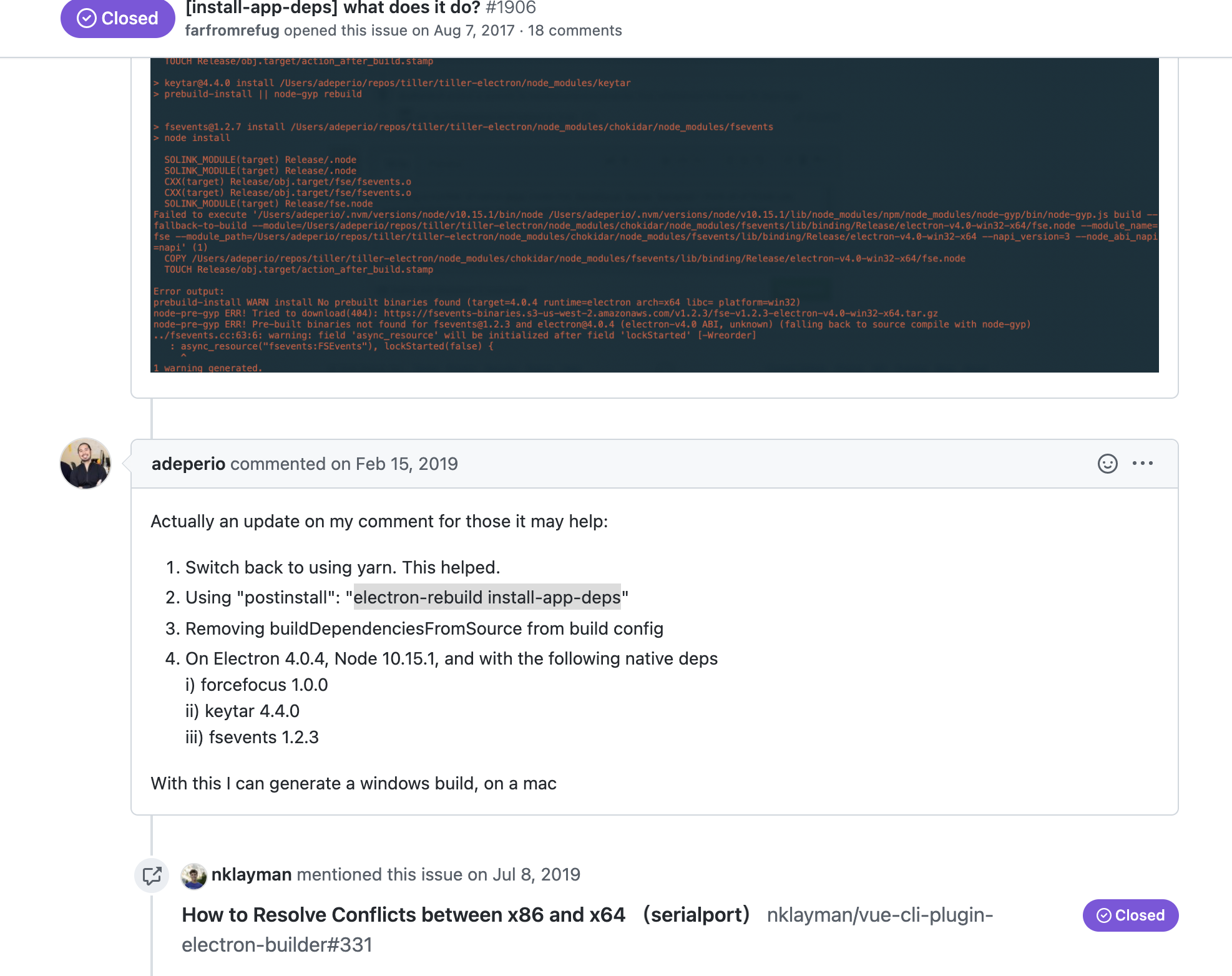
electron-builder install-app-deps error
can change the electron-builder into electron-rebuild.
core ref:
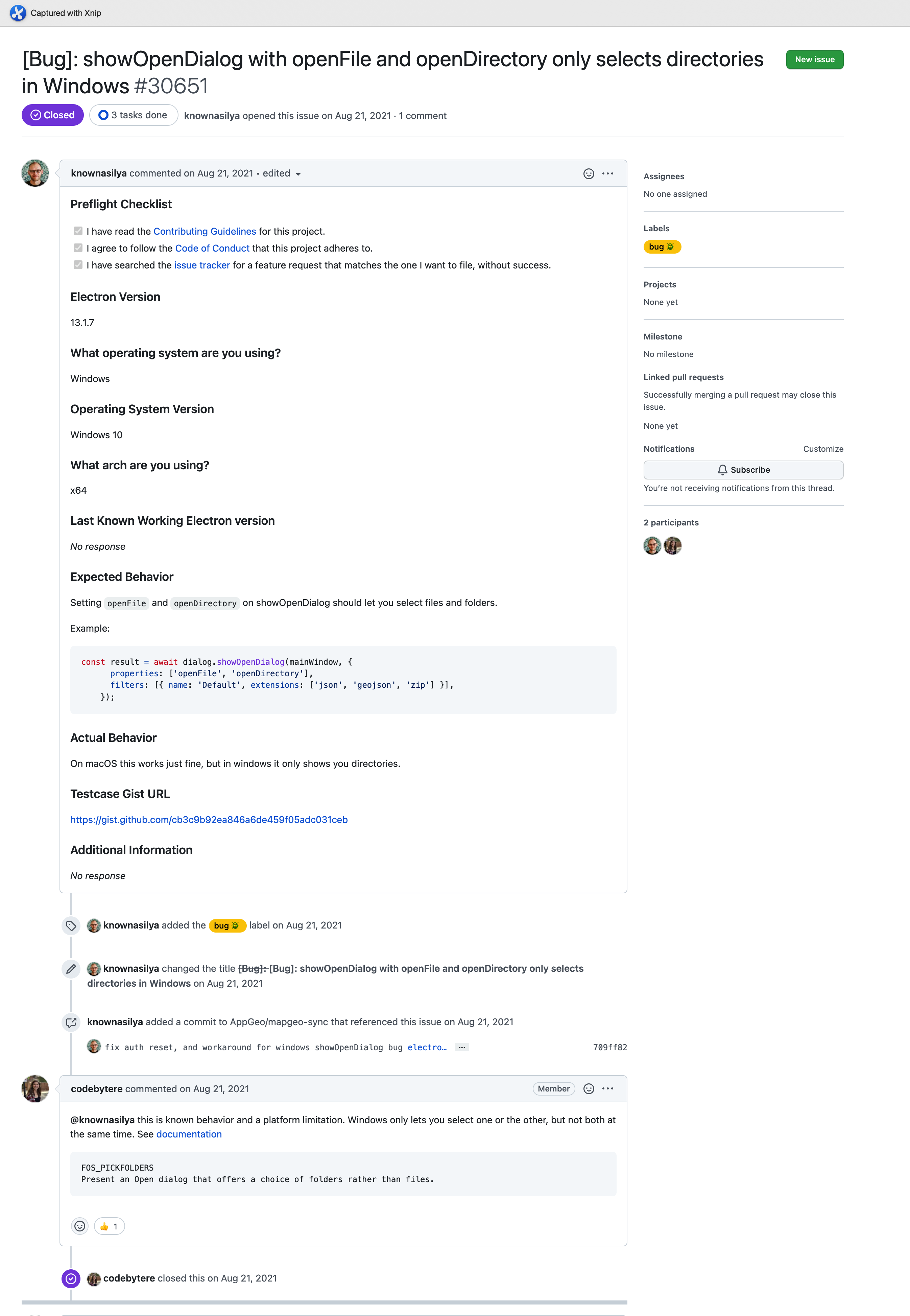
✅ windows cannot select file
This is a feature/restriction in windows platform.
The solution is to use one of openFIle and openFolder.
ref:
✅ Can't use ContextBridge which ContextIsolation is true
Official Documentation
A simple solution: give up using ContextBridge
In this article, the one who happened to the same issue finally uses only ipcMain and ipcRenderer with no ContextBridge set.
Although it's OK, since the ipcMain - ipcRenderer solution can do almost anything rather than base on a ContextBridge.
A seemly good solution: nodeIntegration: true; contextIsolation:false
A more sophisticated solution: based on WebPack
Uncaught ReferenceError: global is not defined · Issue #10035 · webpack/webpack
webpack - ReferenceError: global is not defined at eval - Stack Overflow